Drop it in.
A photo or a short clip, straight from your phone or desktop.
 NameCut
Standalone cutout tool for photo and video
Drop a photo or short video, type the object, pick keep, cut, or blur, and download PNG, WebM, or a PNG sequence. No editor timeline, no suite, just the transparent file you came for.
Built on state of the art promptable segmentation. Across 21 real tests, it picked the right object every time, tracked moving subjects through full clips, and cleanly reported no match when the object was not there. The model scores 75 to 80 percent of human performance in public benchmarks, and Pro works out to under 2 cents per photo where the closing rival charged 10 to 20 cents.
 BeforeCutout
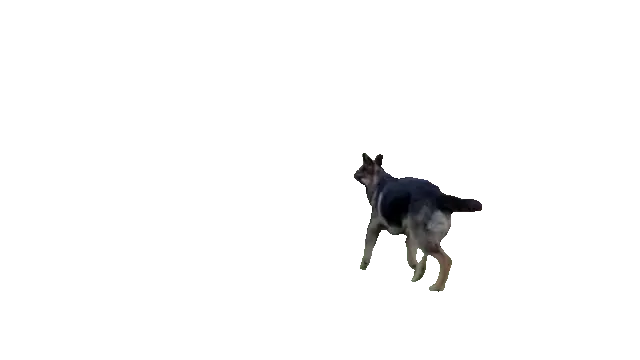
Prompt: dog. Drag the slider to compare the frame and the transparent cutout.
One flow for a still and a tracked clip. You name the thing, not the background.
A photo or a short clip, straight from your phone or desktop.
Type what to keep, cut, or blur. The red car. Your dog. The license plate.
A transparent PNG, WebM, or PNG sequence, ready to use.
About a minute, start to finish. No editor, no timeline, no project file.
Every cutout here came out of the live NameCut pipeline, the same one the product runs. Example photos and clips are from Pexels.
 BeforeCutout
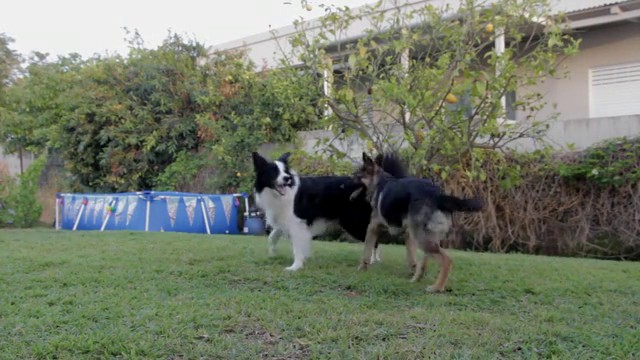
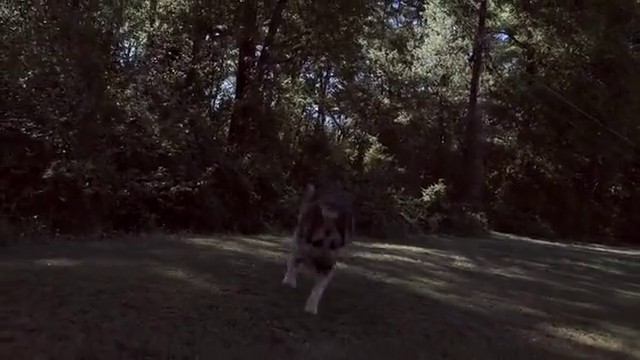
The prompt found both dogs. The instance picker keeps the one you mean, here the brown dog. In the source clip both dogs kept their own track on all 300 frames.
 BeforeCutout
The same prompt tracks a moving subject across the clip, so the export works as a transparent overlay in your editor.
 BeforeCutout
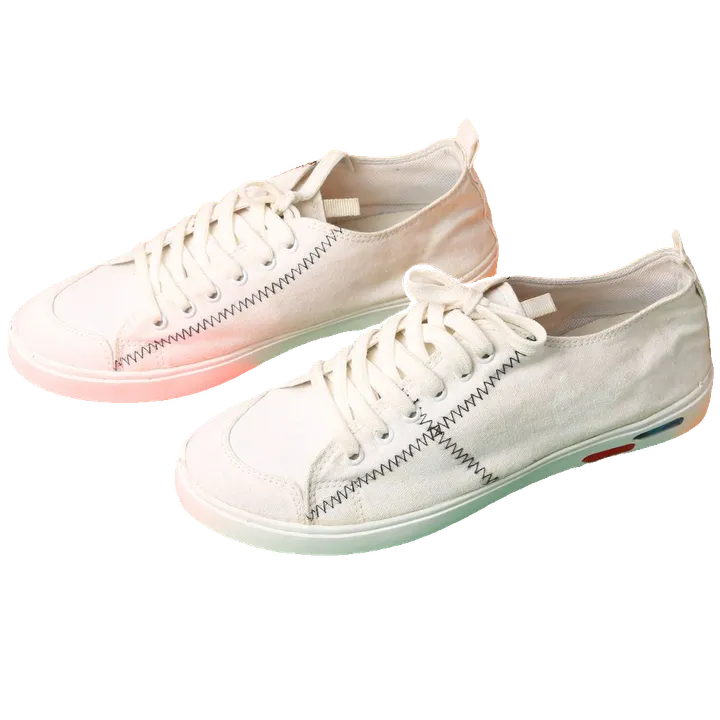
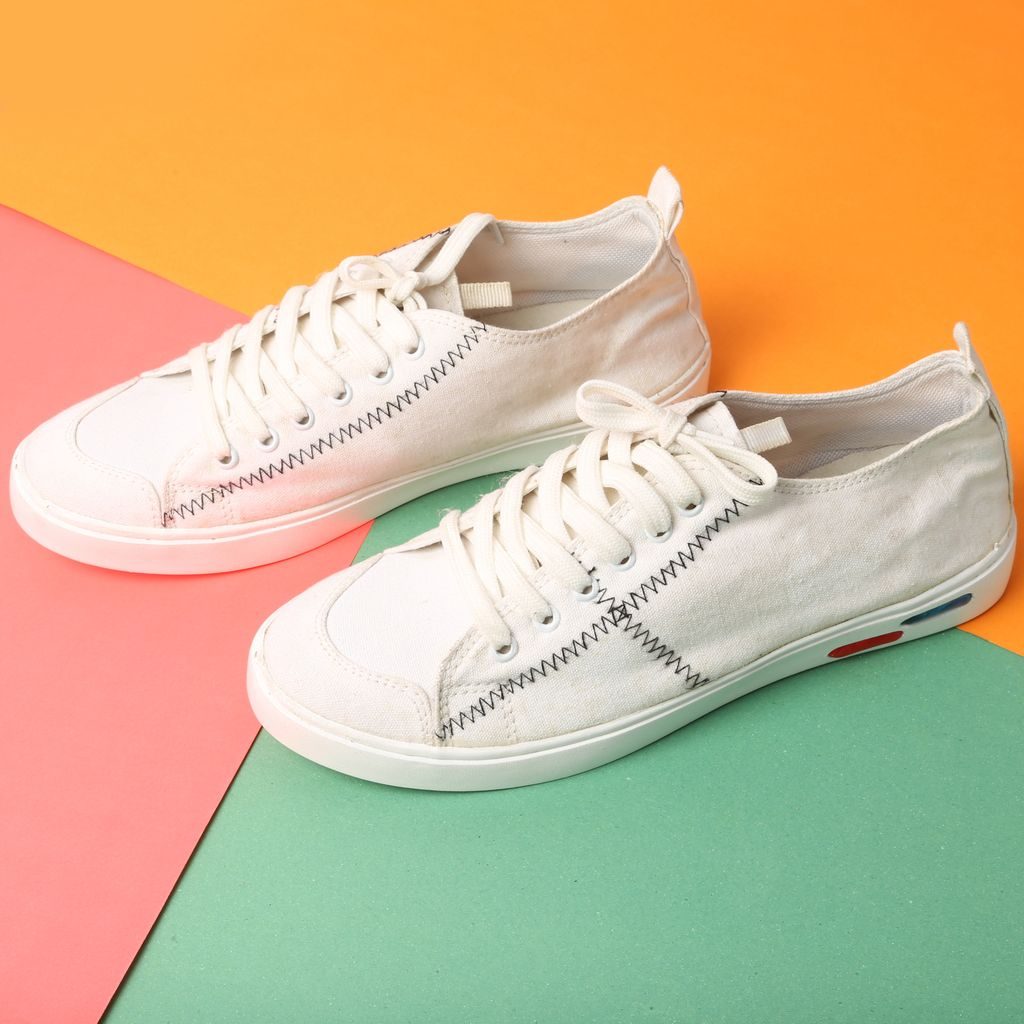
The prompt returned each shoe as its own instance, and the export keeps both. The orange, pink, and green backdrop is gone, so the pair is ready for a listing photo.
 BeforeCutout
One prompt kept the whole person, hat, hands, and long hair included. Zoom in and the scarf fringe has small gaps. That is the real mask, shown as it came out.
 BeforeCutout
The first prompt found the plate, and blur mode softened only that patch. The car, the street, and everything around it stay sharp.
Background removers keep the main subject and charge per file. NameCut cuts the one named thing, in photo and tracked video. Here is the whole board.
A half filled mark means a partial yes. In editor suites the capability lives inside a full editor, not as a standalone job. In background removers it covers part of the job, like blurring the background instead of the named object, or batch work through a separate desktop app.
On quality: the underlying segmentation model reaches 75 to 80 percent of human performance on the SA-Co benchmark of 270K concepts, and its latest version improved on 6 of 7 public video tracking benchmarks.
Unscreen has already shut down and remove.bg is winding down its standalone site as the tools fold into bigger suites. If you liked dropping one file and leaving with one transparent asset, NameCut is that flow, widened to any named object in photo and tracked video.
One photo in, one foreground cutout out. The Main subject chip keeps the main subject, just like the tool you are leaving. The chip arrives with the studio opening.
When the background is not the problem, type the object instead. Keep, cut, or blur any named object, in photos and tracked video.
Flat monthly plans with hard caps replace per file credits that expire. The plan price is the whole bill.
Start free while you test the flow. Plans start at $5, Pro is $9, and every plan has hard caps with no overage bills.
$0 to start
$5 per month
$9 per month
$19 per month
NameCut starts as a standalone website, with an API and light connectors arriving at the billing milestone. Shopify is the first native app on our list, ahead of Etsy, eBay, and WooCommerce. Join the waitlist and name your platform and monthly volume, so real demand picks the order for the native apps.
Name your platformAny object you can name in a noun phrase, in a photo or a short video. A product, a person, a pet, a car part, the one chair in the corner. If nothing matches, NameCut says so plainly instead of guessing.
Background removers keep the main foreground and drop the rest. NameCut cuts the named thing, which can be one object among many, and it works the same way on tracked video.
Photos export as transparent PNG. Video exports as transparent WebM, with a PNG sequence on Pro and Studio plans. Files drop into editors, stores, and decks without extra cleanup.
A private beta is next. Waitlist members get the first invites and launch pricing news.
The API arrives at the billing milestone, priced per image and per video minute, and Zapier and Make connectors ride on top of it. A native Shopify app comes later, and the waitlist platform and volume answers decide which native app ships first.
They expire with the shutdown, and they do not transfer anywhere. NameCut has no credits at all. One flat monthly plan price covers a monthly export allowance, and nothing you paid for disappears on a shutdown date.
Yes. The API lands at the billing milestone, and a call by call migration guide lands with it, mapping the calls you make today to ours. Pick API as your platform in the waitlist form, and that tag is your early access door when the API opens.
Write to support@namecut.io. You never need to send your files to get help. Describe the job instead: what you uploaded, the phrase you typed, and what came back. That is usually enough for us to reproduce the problem.
Tell us where you would use NameCut and how much you cut in a month. That data sets the beta order and the first integration we build.
Sellers and API users: pick your platform in the form. Shopify leads get heard first when integration work starts.